Gamer Manages to Run DOOM on a Pair of Wireless Earbuds


Arin Sarkisian came upon a pair of PineBuds Pro wireless earbuds and was drawn to them not just for their audio quality, but also because they are an open-source device from Pine64. These earphones now have a BES 2300YP chip, which contains two dual-core Cortex-M4F chips, 992k of RAM (after some tinkering), and 4MB of flash memory.
Sarkisian wanted to know how much punch they could carry, so he loaded them up with DOOM, the 1993 classic that has managed to run on just about every other ancient calculator, toaster, and even pregnancy tests over the years. He began with the doomgeneric port, which is a stripped-down version intended for random hardware. Compiling it for the earphones required squeezing the game into their extremely restrictive memory restrictions; typical Doom WAD files are 4.2MB, far too large for the earbuds flash. So Sarkisian replaced it with a slimmed-down Squashware port that’s only 1.7MB in size, allowing the primary activity to continue uninterrupted.
Sale

Apple AirPods 4 Wireless Earbuds, Bluetooth Headphones, with Active Noise Cancellation, Adaptive,…
- REBUILT FOR COMFORT — AirPods 4 have been redesigned for exceptional all-day comfort and greater stability. With a refined contour, shorter stem,…
- ACTIVE NOISE CANCELLATION — AirPods 4 with Active Noise Cancellation help reduce outside noise before it reaches your ears, so you can immerse…
- HEAR THE WORLD AROUND YOU — The powerful H2 chip comes to AirPods 4. Adaptive Audio seamlessly blends ANC and Transparency mode — which lets you…
The next step was to overclock the earbuds, which are factory set to 100MHz. Sarkisian chose to overclock both cores to 300MHz by turning off low-power mode and removing one of the co-processors. The firmware is built inside a Docker container and then flashed over USB with bestool. One earphone controls the game while the other stays inactive; as a reassuring indicator of accomplishment, the case lights blink briefly once completed.
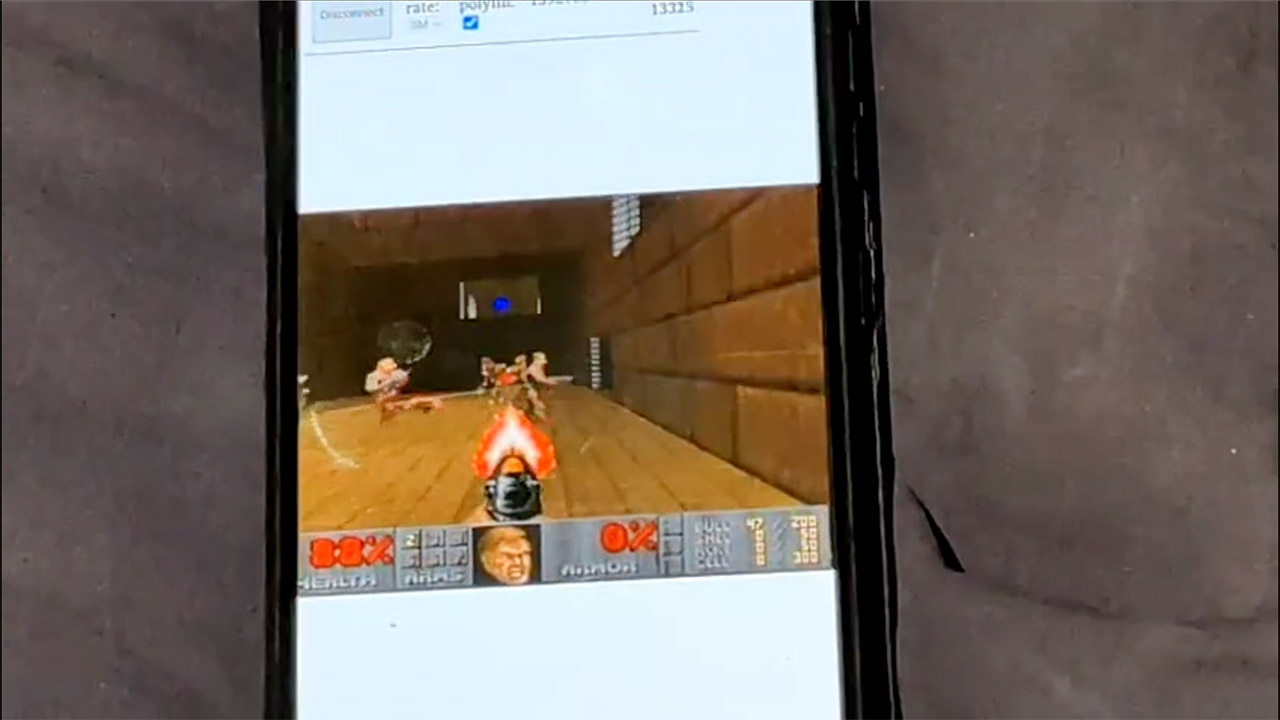
The most difficult part is getting the game view to appear on the screen. Given the lack of a display on the earbuds, Sarkisian chose to send the video out via the UART serial interface at 2.4Mbps. That is faster than Bluetooth, resulting in lower latency. However, raw 320×200 frames in 8-bit color would be extremely bandwidth intensive. So Sarkisian used MJPEG compression to reduce each frame from 64KB to 11-13KB. That provides him roughly 18 frames per second, which is enough to slaughter demons without becoming frustrated.
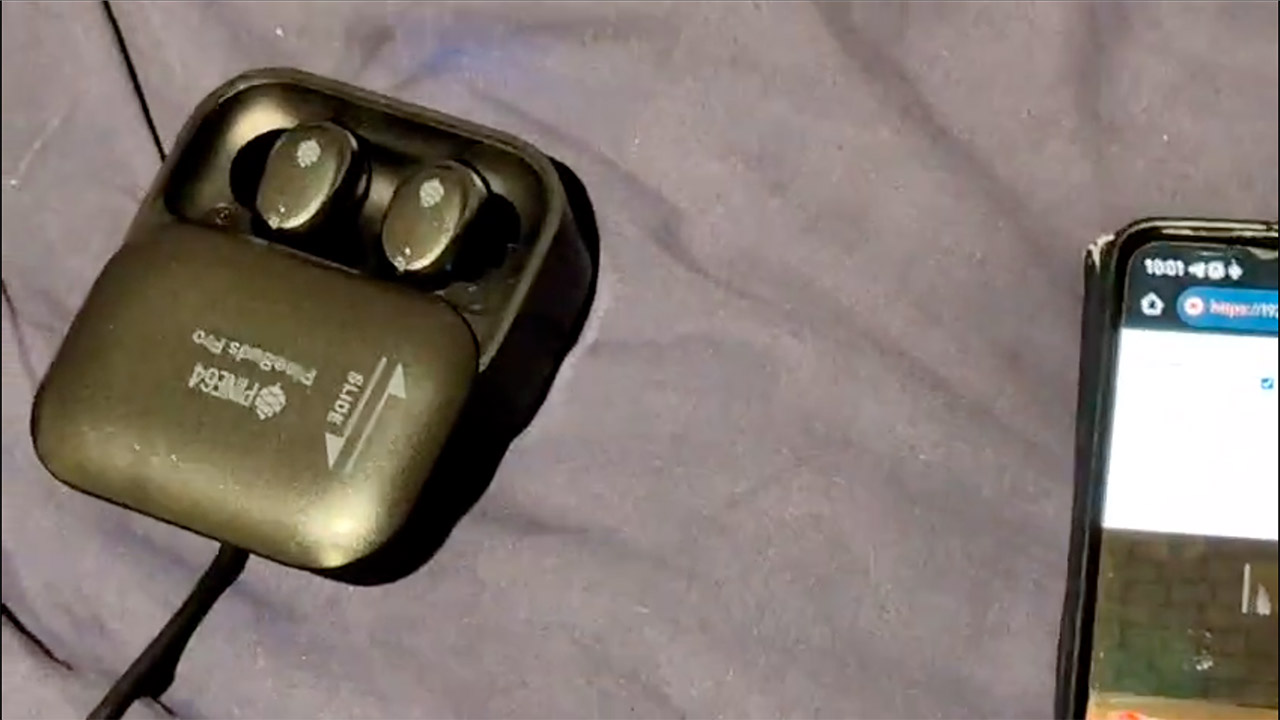
The controls run in the opposite direction, with browser key presses hitting the serial link and turning the player. Sarkisian created a web server to manage all inputs and distribute the game feed. Players can sign up on doombuds.com to play as a marine, using WASD to maneuver, arrows to rotate the perspective, spacebar to fire, shift key to sprint, and numbers to change the gun. You can also use tab to navigate a map, E to open doors, and respawn after a bad death.
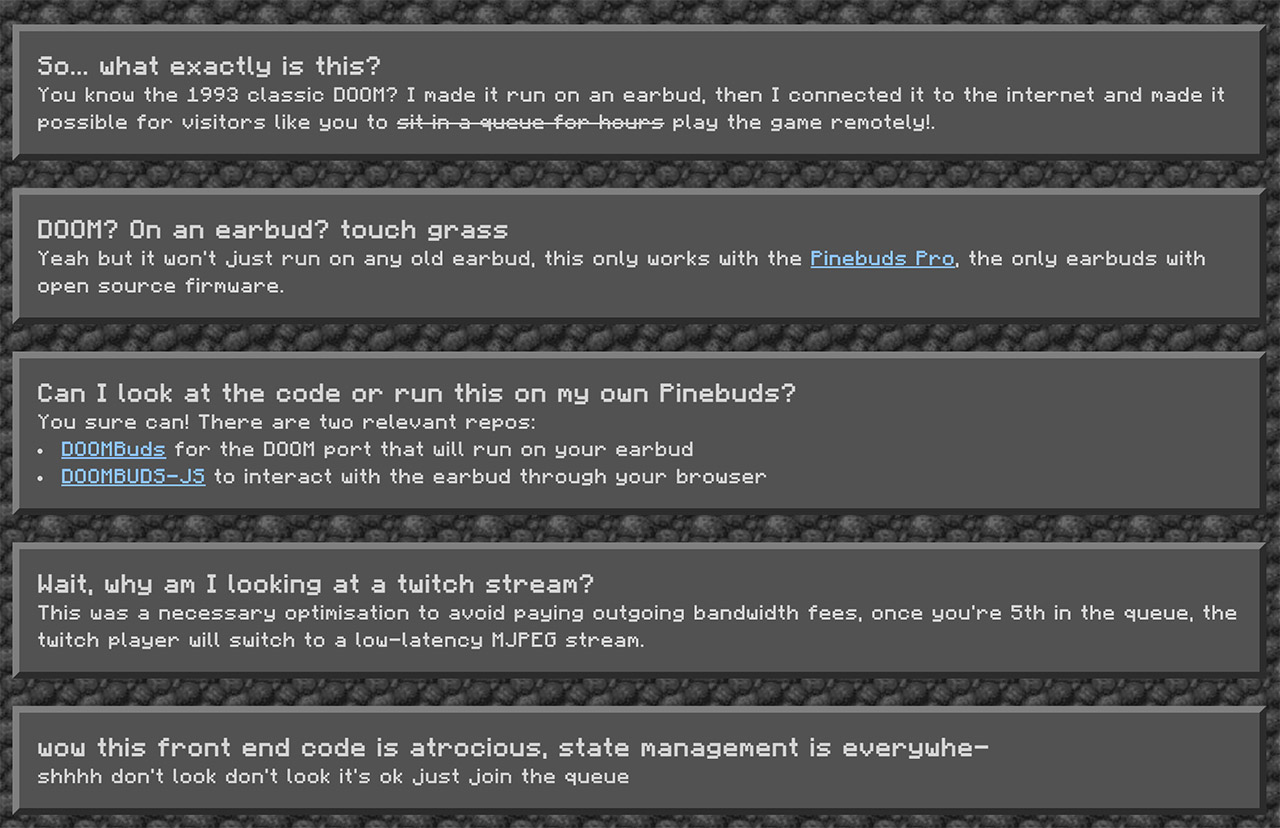
Locally, anyone owning the earbuds can simply connect via USB in a Chromium browser and access the Web Serial API. There is no need to queue; just quick play. If you’re feeling adventurous, you can track the entire stack on GitHub: DOOMBuds for the firmware and DOOMBUDS-JS for the web side. Clone the code, flash your own earbuds, and then frag some imps in private.
[Source]
Gamer Manages to Run DOOM on a Pair of Wireless Earbuds
#Gamer #Manages #Run #DOOM #Pair #Wireless #Earbuds