How to Make Offline Landline Phone Calls Without an Actual Network
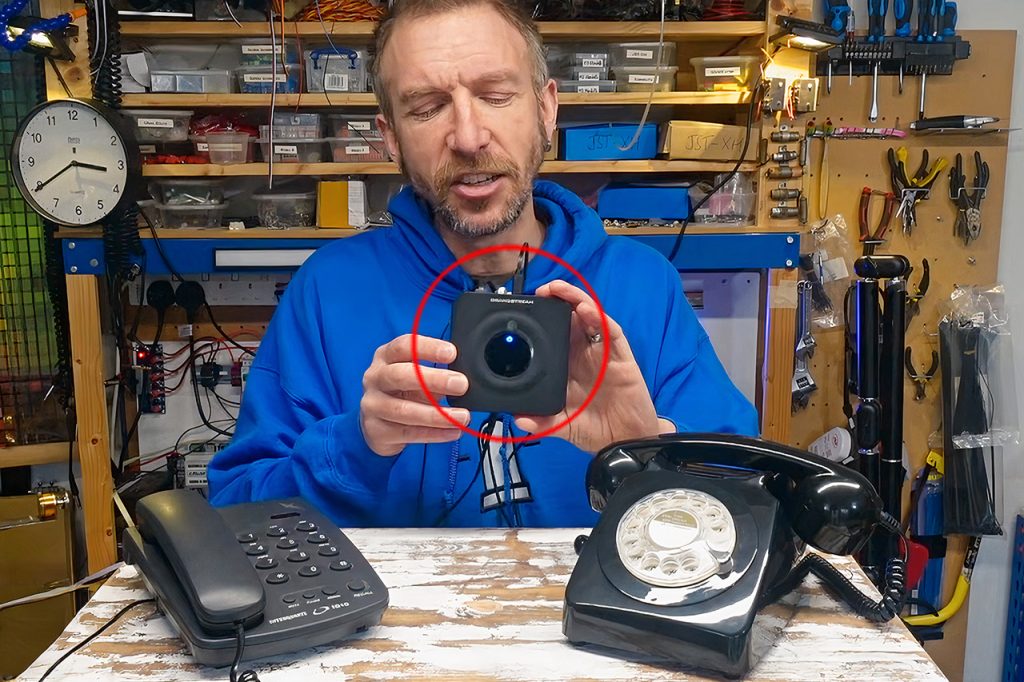
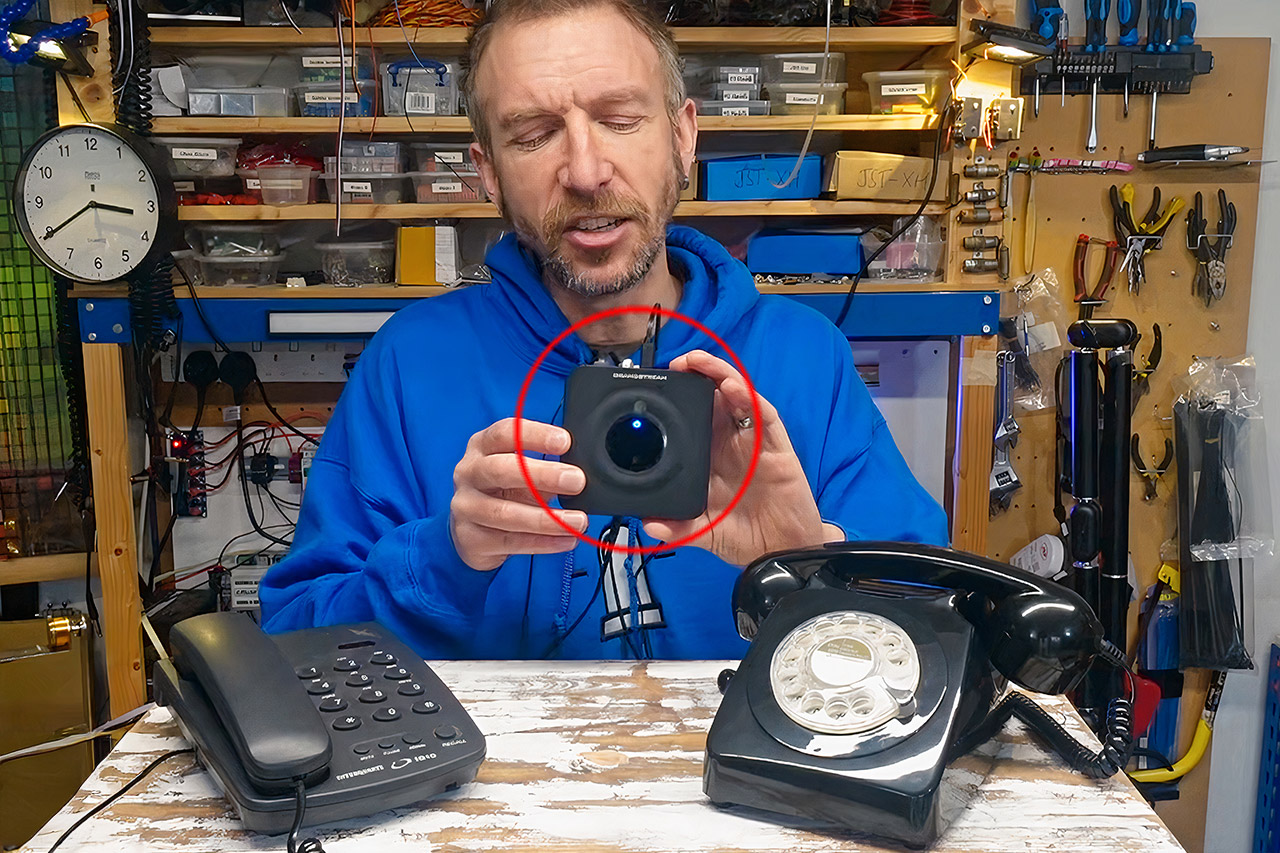
Analog phones have a certain weight to them because they feel good in your hand, with a satisfying mechanical click of the dial or buttons and the distinctive ringing sound that can be heard across a room. In a world dominated by screens and applications, these noises can be almost nostalgic. But there’s a clever approach that brings them back to life without using an external service or an internet connection.
The key to this configuration is a little device known as an analog telephone adapter, or ATA for short. You might be familiar with these gadgets, which are used to connect outdated phones to current VoIP services. However, in this scenario, the device does the opposite of its regular function. Instead of reaching out, it keeps things nice and simple for itself.
This system is built around the Grandstream HT802. This unit has two RJ11 ports labeled FXS, which are used to provide the dial tone and ringing voltage on traditional phones. Plug in a traditional landline phone into each port and utilize good old telephone extension cables, even long runs of Cat-3 cabling that can reach up to a kilometer. Power the ATA with a USB adapter, and after it’s up and going, simply pull the Ethernet wire; it’s unnecessary.
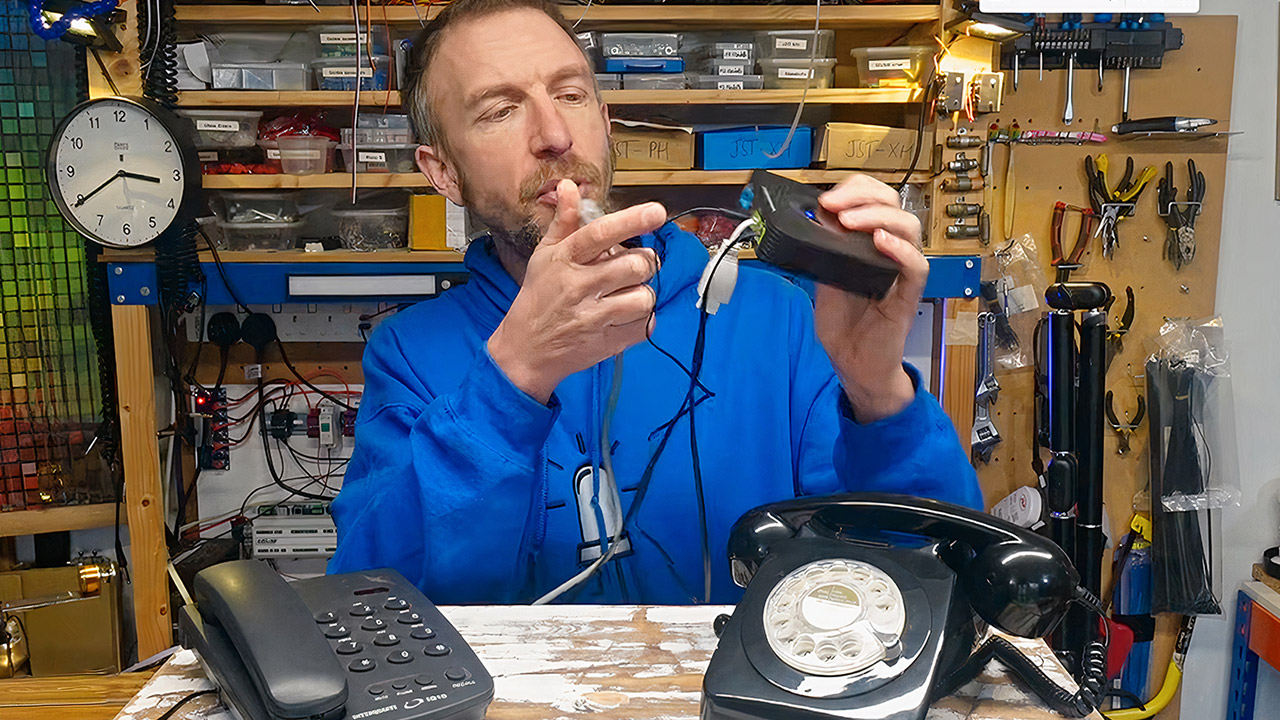
Getting the unit configured is a one-time task that uses a temporary network connectivity. First, connect the ATA to a router or computer via an Ethernet port, then select one of the handsets and click ** to open the menu, then press 02. A recorded voice will tell you the device’s current IP address; simply type it into a web browser to access the admin page.
To make the magic happen, only a few key changes are required. First, in the basic settings, set a static IP address so that the device does not hunt for a DHCP address when you unplug it. Second, you must modify the dial plan for each FXS port. These plans ordinarily route your calls to an external server, but in this case, you must direct them inside, utilizing the local loopback address 127.0.0.1 in conjunction with the internal SIP ports used by each FXS, which are typically 5060 for one port and 5062 for the other.
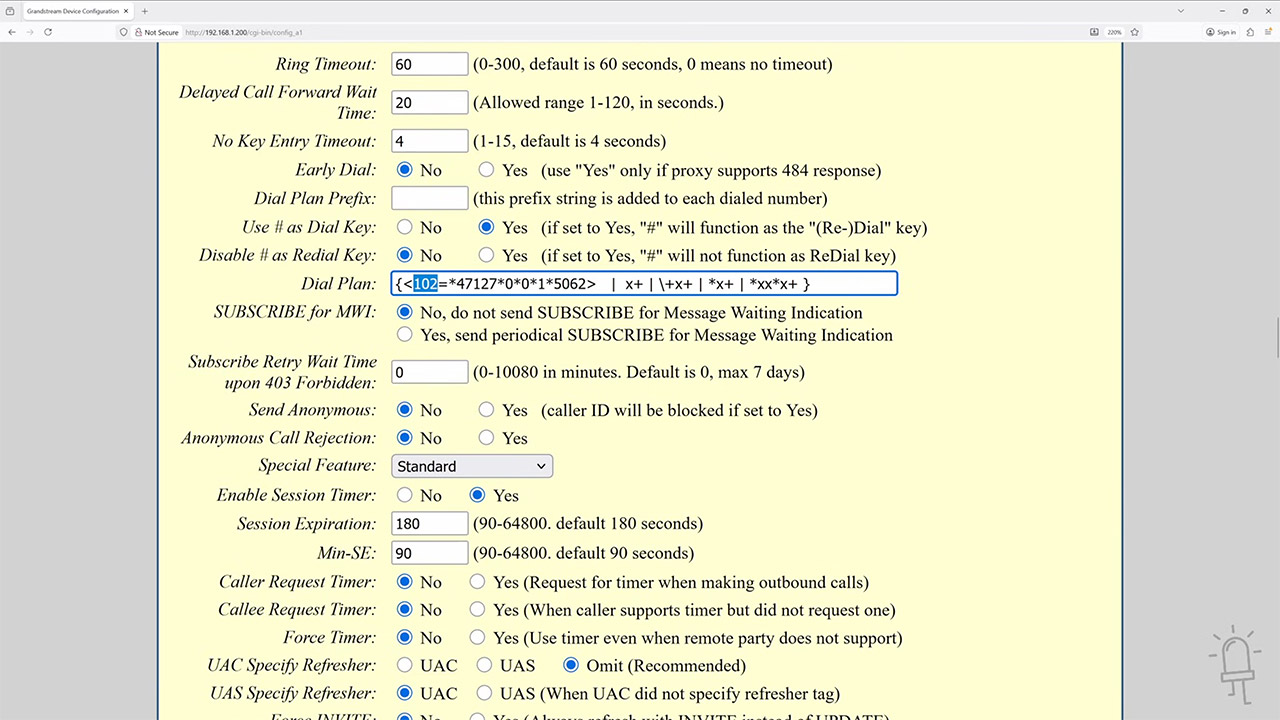
A simple entry would look like this: calling 102 connects you to 127.0.0.1*5062 links you with the second phone. Simply invert the mapping on the other port so that 101 reaches the first one. Save your modifications, then reboot the ATA and unplug the network wire. When you pick up a handset, you will hear a genuine dial tone. Dial the short code, and the other phone will ring in the right, realistic cadence. Answer it, and you’ll be able to chat as if the phones were directly connected to a central office switch, exactly like in the old days.
An optional addition increases the convenience aspect by allowing you to enable auto-dial on one phone port while having it dial the other. Simply elevate the receiver, and the companion phone begins to ring immediately, with no need to enter any numbers. The call continues to wait for someone to answer before connecting the audio, as is customary. To be clear, this configuration is quite simple: no voicemail, no call waiting, and no conference calls. However, for a few of phones, it performs as a tiny private switch should: it rings when it should, sounds clear, and requires no external assistance to operate.
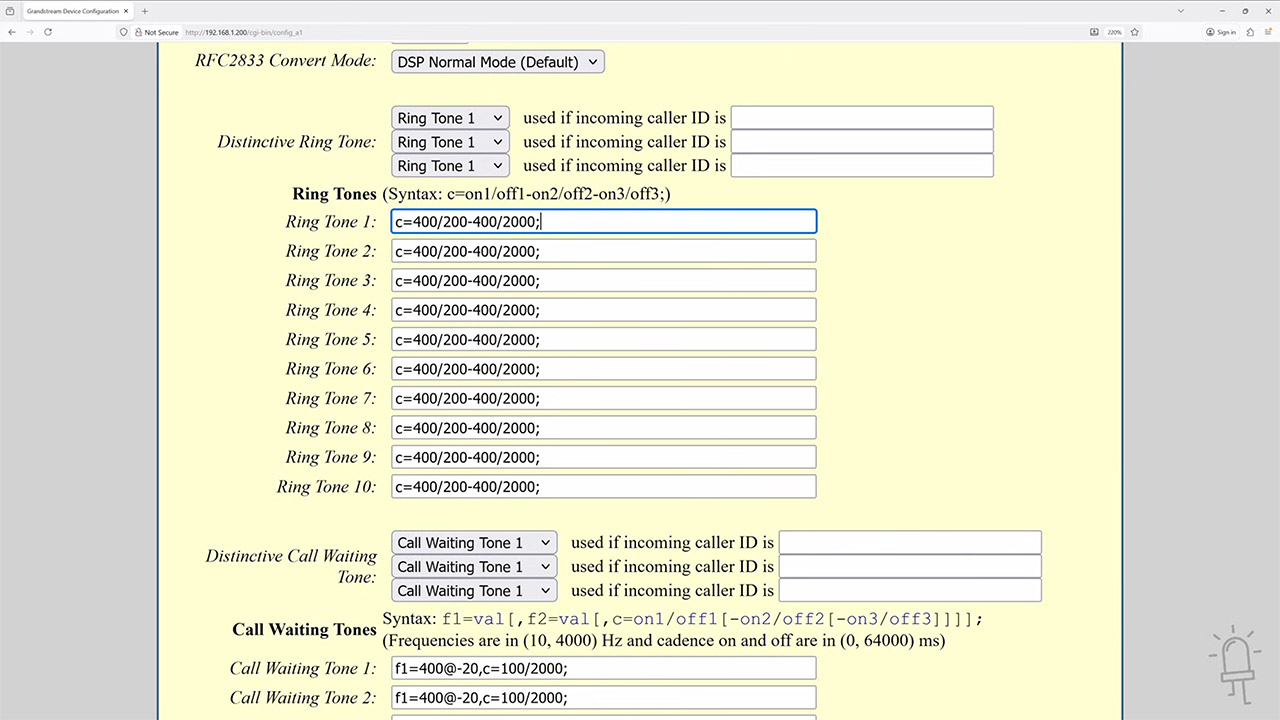
This works since the ATA is already managing signals and voice internally when set to loop back. Grandstream’s firmware allows you to make some useful changes to the dial plan syntax. Other multi-port ATAs may be able to do more, such as convert the entire system into a large multi-line arrangement, although not all models perform internal routing the same way. As you might think, this type of thing has some real-world applications. For example, if you’re putting on a period play and want all of the phones to be old-fashioned and wire-free. Or if you run an escape room where people have to be immersed in their own small universe. Museums might potentially use this to reproduce ancient phone installations. Then there are folks who simply enjoy making phone calls and want to be able to do it secretly.
How to Make Offline Landline Phone Calls Without an Actual Network
#Offline #Landline #Phone #Calls #Actual #Network