Running Linux on Sony’s PlayStation 2 is Easier Than You Think
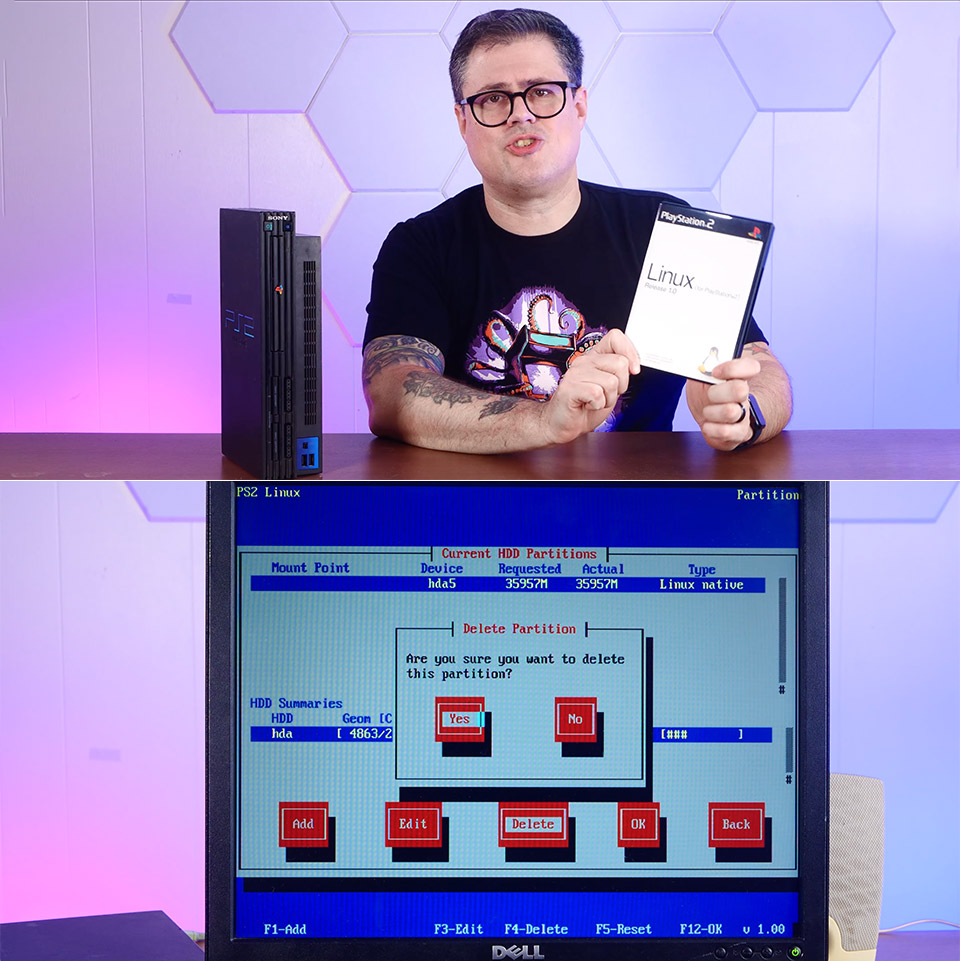
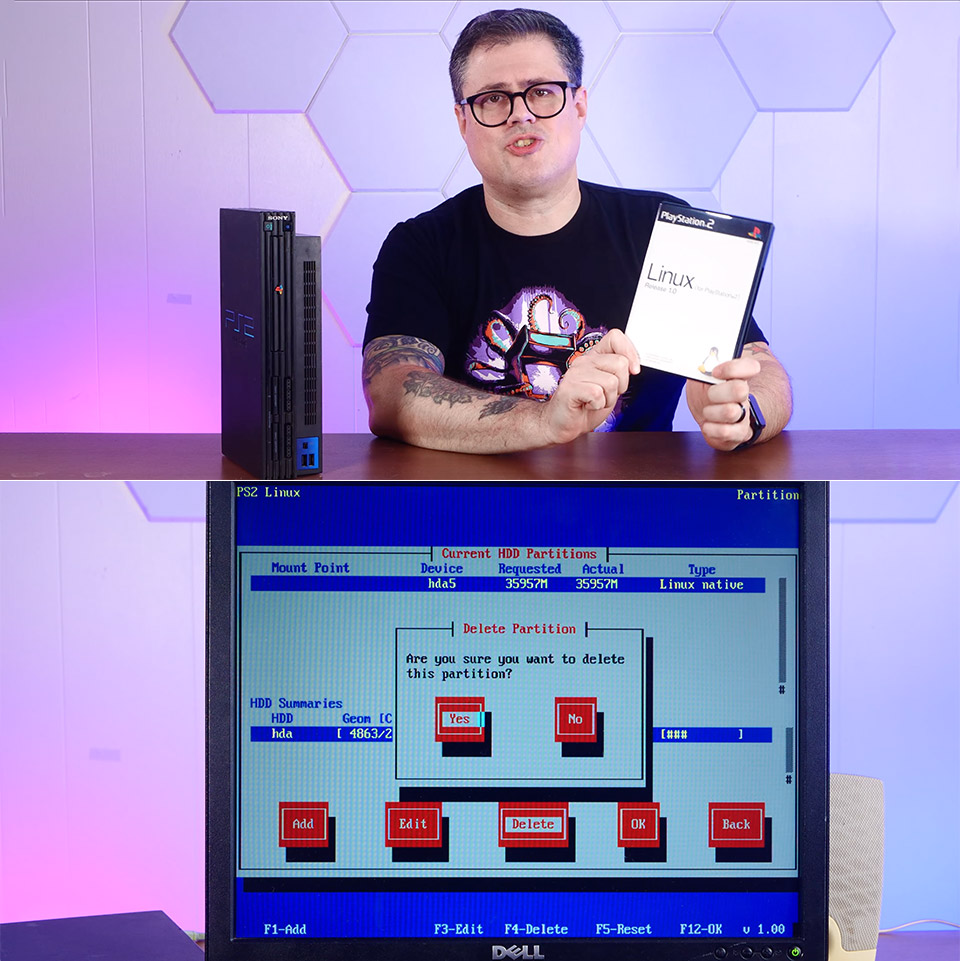
Sony launched the PlayStation 2 in 2000, and it immediately became the world’s best-selling console. In 2002, the company decided to release an official Linux kit in specified locations. This small package allowed owners to convert their game console into a rudimentary computer capable of running the full Linux operating system.
When you purchased the kit, you received a box set including two DVDs, a USB keyboard, a mouse, a VGA cable for connecting to a monitor, a network adapter, and a 40GB internal hard disk, as well as an 8MB memory card to round things off. The kit could only be run on bulkier PS2 versions, which had a drive bay to slot it into.
Sale

KAMRUI Pinova P2 Mini PC, AMD Ryzen 4300U(Βeats 3500U/3200U/N150,Up to 3.7 GHz) Mini Computers, 16GB RAM…
- 【𝐀𝐌𝐃 𝐑𝐲𝐳𝐞𝐧 𝟒𝟑𝟎𝟎𝐔 𝐏𝐫𝐨𝐜𝐞𝐬𝐬𝐨𝐫】KAMRUI Pinova P2 Mini PC is equipped with AMD Ryzen…
- 【𝐋𝐚𝐫𝐠𝐞 𝐒𝐭𝐨𝐫𝐚𝐠𝐞 𝐂𝐚𝐩𝐚𝐜𝐢𝐭𝐲, 𝐄𝐚𝐬𝐲 𝐄𝐱𝐩𝐚𝐧𝐬𝐢𝐨𝐧】KAMRUI…
- 【𝟒𝐊 𝐓𝐫𝐢𝐩𝐥𝐞 𝐃𝐢𝐬𝐩𝐥𝐚𝐲】KAMRUI Pinova P2 4300U mini desktop computers is equipped with HDMI2.0 ×1 +DP1.4…
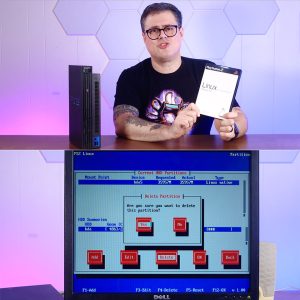
Installing the system began by inserting the first DVD and booting it up in the same way a game would. The process went on and formatted the memory card and partitioned the hard drive using command prompts; you were pretty much on your own here, since there was no graphical installation wizard to instruct you. Fortunately, the short documentation that came with the kit was rather informative, allowing you to follow along step by step. Once finished, your PS2 would display a rather rudimentary desktop environment on the screen.
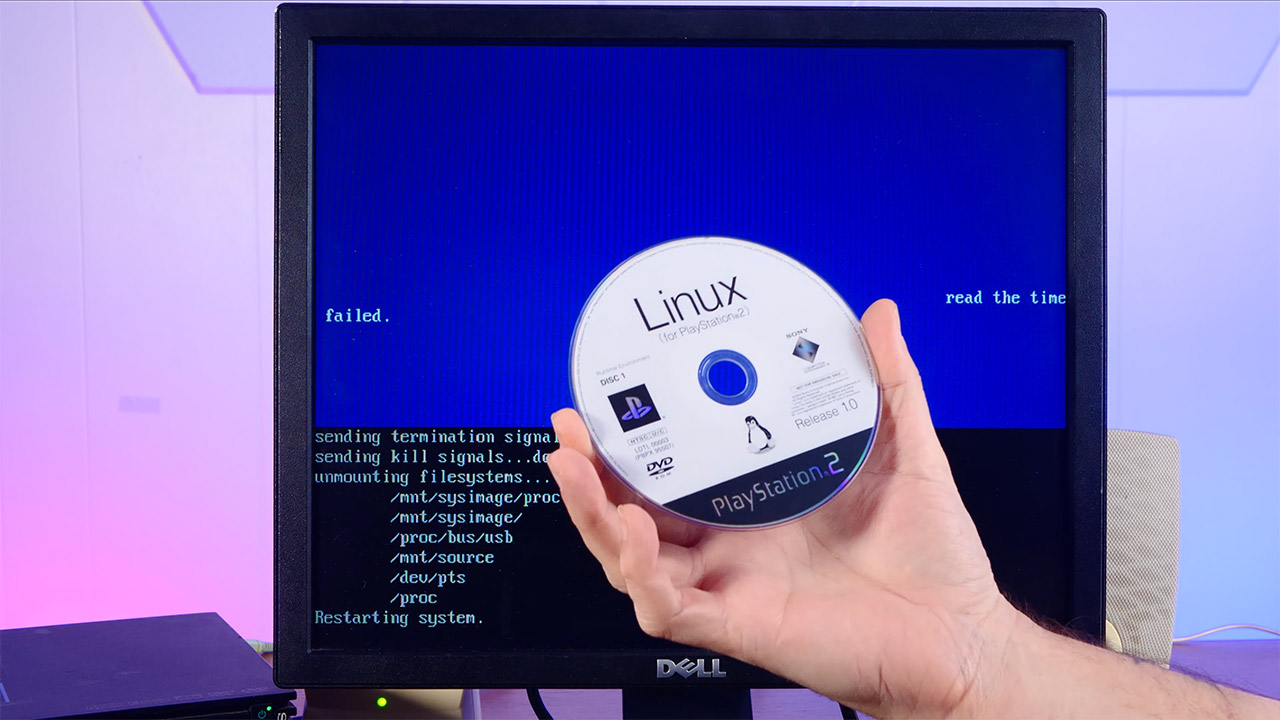
The actual software came from Kondara MNU/Linux, a Japanese distribution built on Red Hat principles. This meant that everything was running on an out-of-date kernel version (2.2.1) in order to get things to operate on the PS2’s odd processor. You get a variety of basic programs like as a web browser, word editor, chat tools, and even programming software for creating your own apps.
But, to be clear, the PS2’s hardware was never truly capable of running a full Linux system in the first place. You only have 32MB of RAM, thus multitasking was out. Graphics were also pretty meh, as they were essentially running in software, with no sophisticated hardware acceleration like you’d get in a real computer. USB support was also restricted; it was mostly useful for keyboards, mouse, and some outdated printers, but you couldn’t readily connect any storage devices. The network adapter was slightly more useful; it allowed you to connect to the internet and do downloads and transfers if necessary.
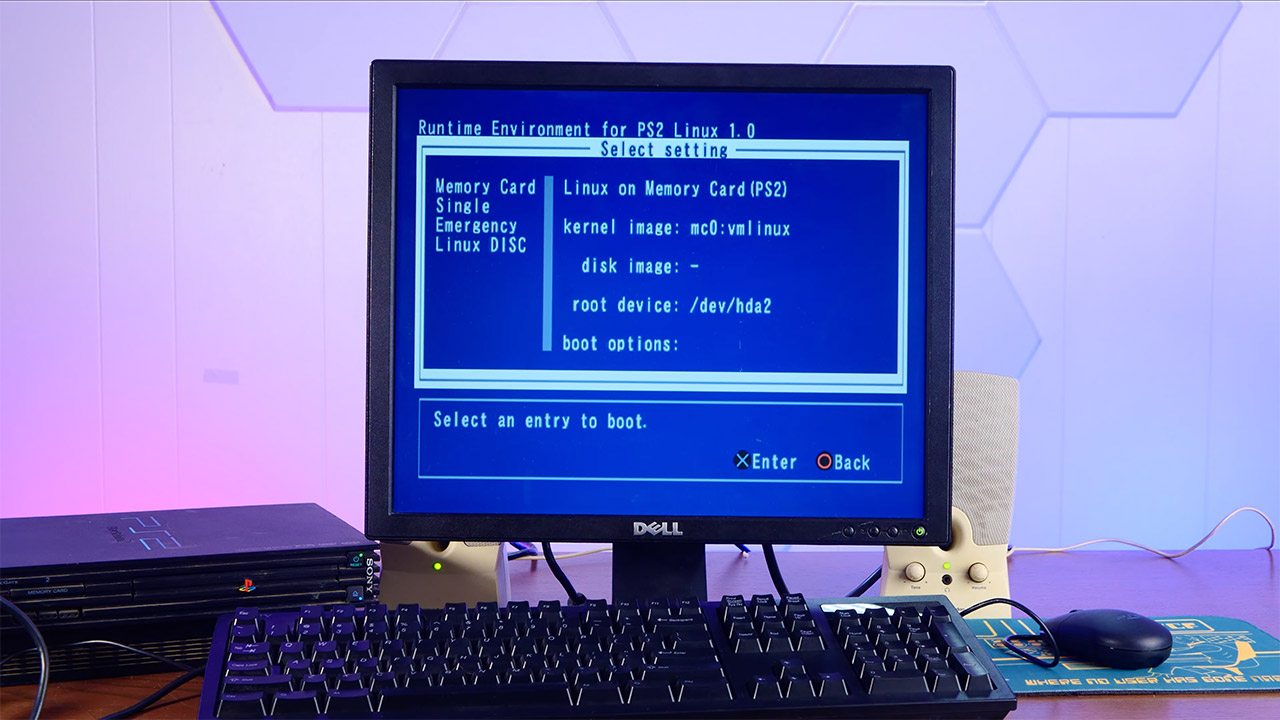
Sony only offered the kit for a short period before discontinuing it, and its official website has been inactive for quite some time. Despite this, the enthusiast community continued to develop their own ports and tools, and individuals are still playing with the configuration today. In reality, some people recently demonstrated an original PS2 kit that was still operational, complete with a full desktop and all of the old applications operating.
With homebrew methods now available, users can boot up custom Linux versions without the official equipment, often from a memory card or disc. This opens the door to a plethora of new experiments with unmodified consoles.
[Source]
Running Linux on Sony’s PlayStation 2 is Easier Than You Think
#Running #Linux #Sonys #PlayStation #Easier