Building Your Own Walking Robot for $60 is Easier Than You Think, This Maker Proves It
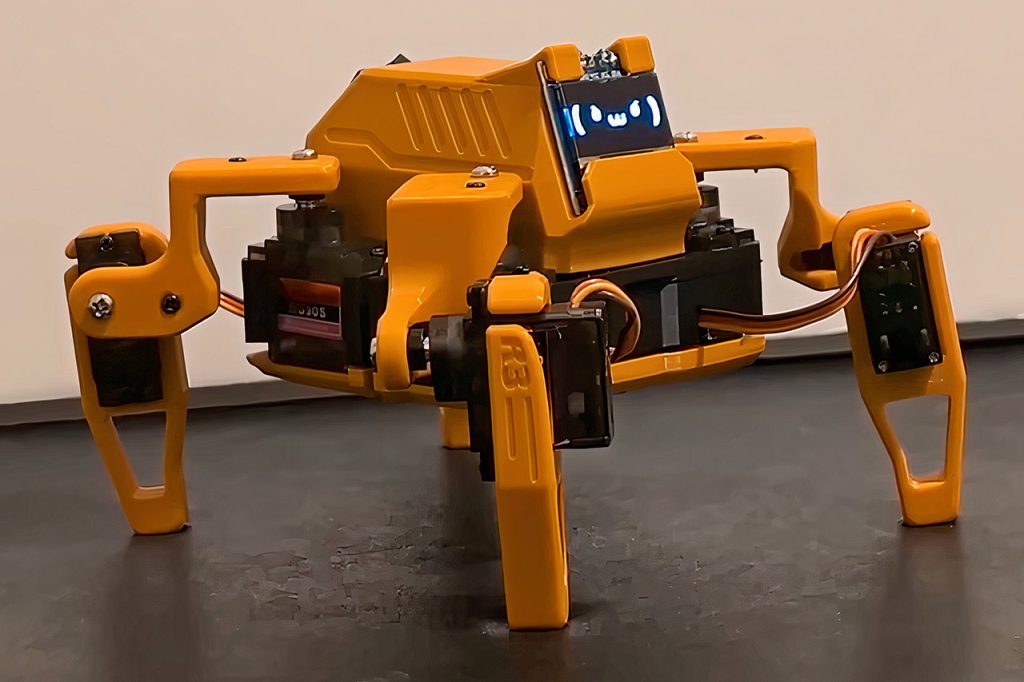
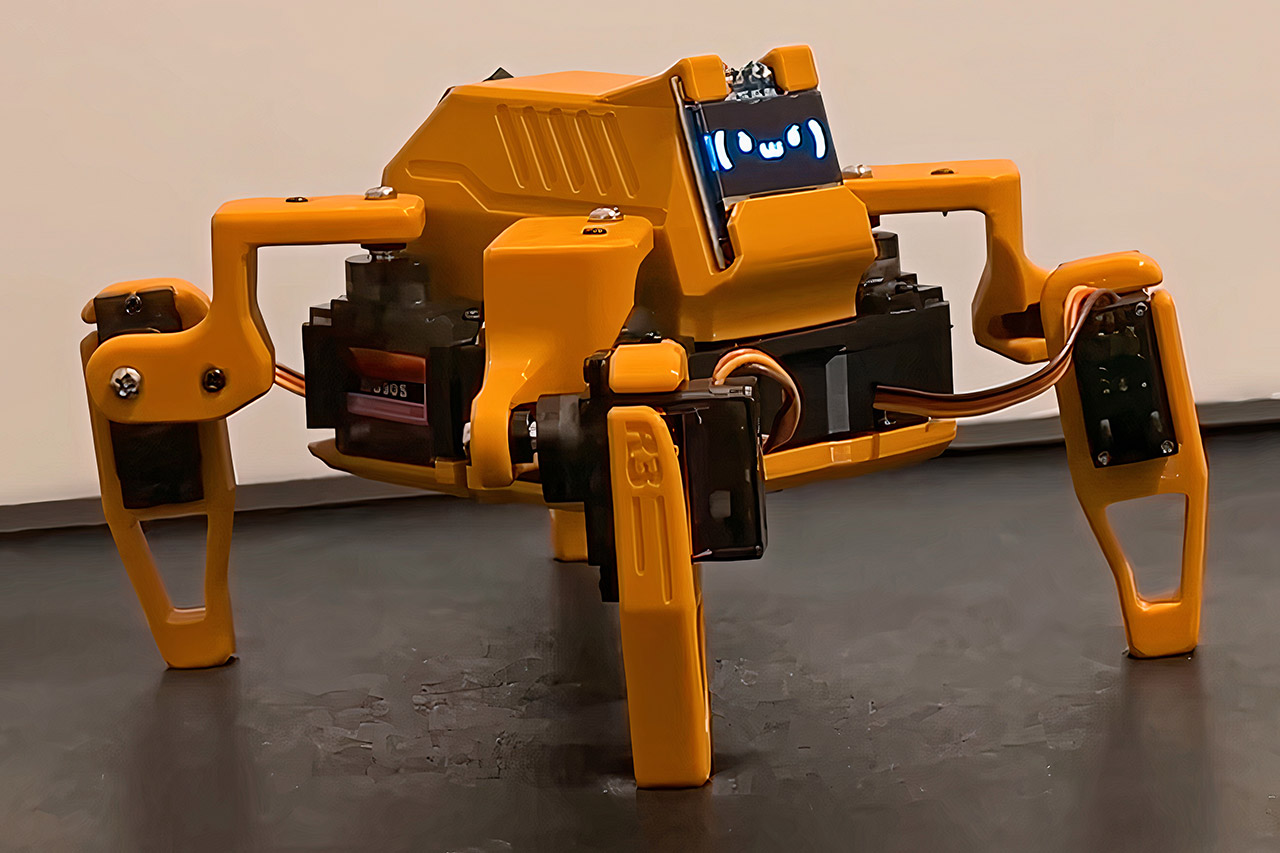
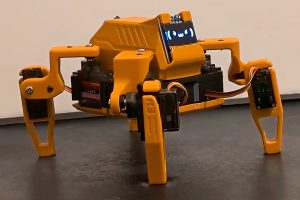
Sesame, a small four-legged robot, scurries across the desk with surprising speed. Maker Dorian Todd spent four months transforming everyday parts into this foot-tapping walker, and the end result feels approachable, like something you could pick up if you’re intrigued about robots.
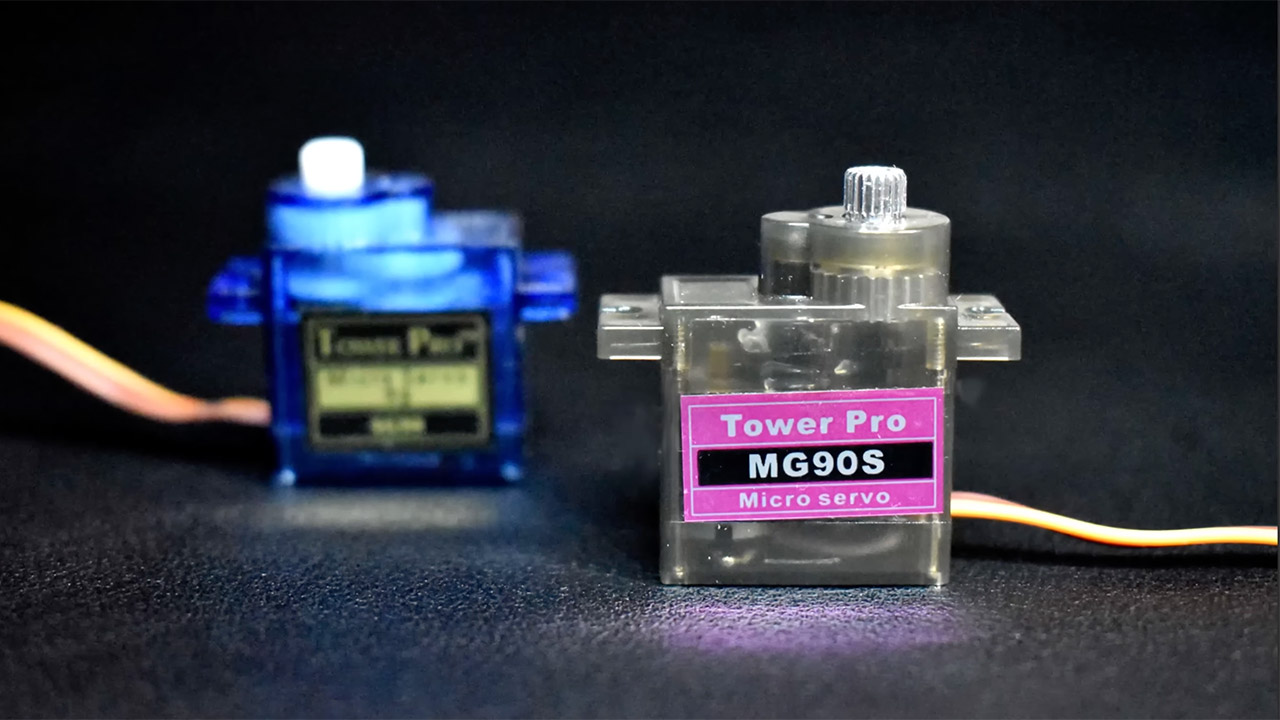
Sesame stands out because Dorian took a very plain approach, keeping everything simple and affordable. The moving is done with eight hobby MG90S servos, two for each leg. One servo rotates each leg along a vertical axis, while the other lifts and lowers the foot. An ESP32 microprocessor controls all eight servos, manages wireless communications, and powers a small 128×64 OLED screen mounted on the front. The entire body is built up of 3D printed pieces that may be created all at once without requiring too much support material.
Sale

Creality K2 Plus Combo 3D Printer, Multicolor Printing with 16 Colors, 600mm/s High-Speed Printing, Dual…
- Multicolor Printing with CFS: The K2 Plus Combo includes the K2 Plus 3D printer and one CFS (Color Filament System) unit. The CFS has four slots to…
- Ultra-Fast Speed & High Precision: Achieve an incredible 600mm/s print speed with up to 30,000mm/s² acceleration while maintaining fine details at…
- Spacious Build Volume: With a 350×350×350mm print area, you can create large models, intricate designs, or multiple parts in one go. The…
Dorian discovered an incredible design that was off-limits, so he started from scratch. The early prototypes only worked with a cable attached, but he replaced it with a tiny 3S lithium polymer battery concealed inside, allowing Sesame to travel wirelessly and untethered. The frame inside maintains everything neat, with motors attached to numbered links that fit tightly. You can do the wiring the old-fashioned way with soldering or use a bespoke PCB (the DRO board), which makes life much easier and was straightforward to produce thanks to PCBWay.
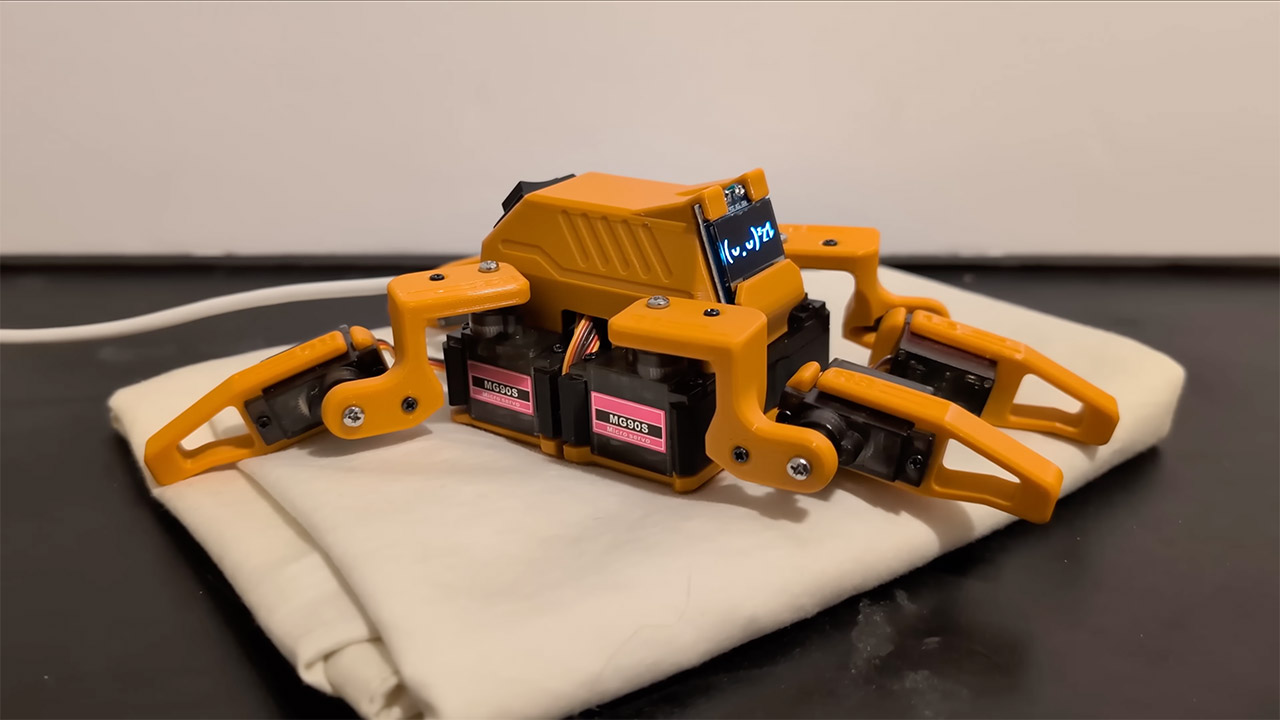
Managing power was a major task because servos consume a lot of juice in short spurts. To prevent power outages, the firmware includes a 20ms wait between movements. Each servo movement generates a precise pulse lasting ranging from 732 to 2929 microseconds, which is then sent via the ESP32’s built-in timer.
Control happens via Wi-Fi, as the ESP32 creates its own small network and allows any phone or computer to connect to a very clear html interface. You simply press a few buttons to activate pre-programmed movements. To produce those sequences, Dorian developed Sesame Studio, a Python application that allows you to set the motor angles frame by frame and send them directly to the firmware. The OLED screen displays bespoke facial visuals created from photos broken up into byte arrays, giving Sesame a variety of emotions ranging from cheerful to sleeping.
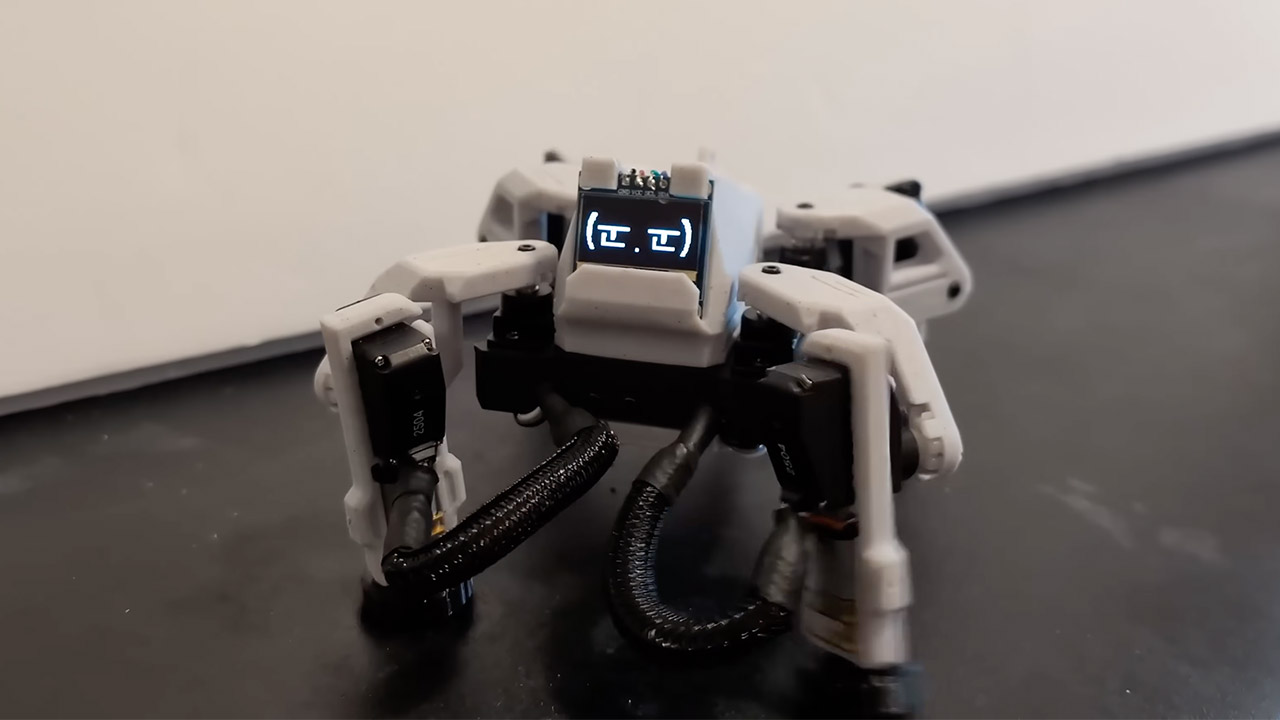
The movement is what brings the robot to life; it’s like watching it walk with a spring in its step. Yes, it even performs a little dance when you instruct it to. The entire design is quite flexible, allowing you to swap out different motors, add wheels, and even make drastic adjustments to the legs. Github files include Fusion 360’s CAD drawings, comprehensive documentation, and code, allowing anyone to easily steal it off (or make their own modifications).
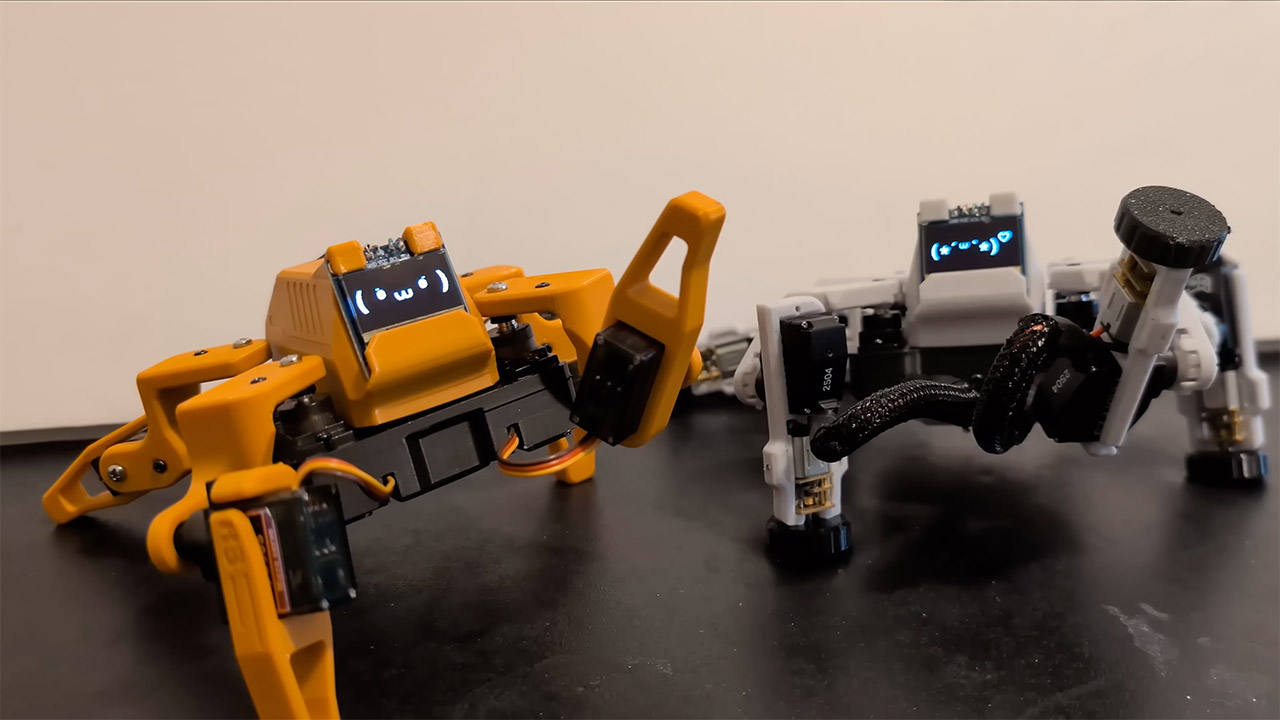
The best part? It’s really inexpensive, with parts costing less than $60 depending on where you buy them. It’s small enough to fit on your desktop yet still plenty of charm. After four months of fiddling, he reached version 42, but the fact that the entire project is available to anybody and has clear instructions makes it feel like a fun endeavor rather than a difficult effort. If you have a 3D printer, basic soldering abilities, and an interest in motion control, you’re all set. Sesame demonstrates how easy it is to make something that moves and reacts with genuine charm. Check out the project video to see it in action, then download the plans and begin building your own.
[Source]
Building Your Own Walking Robot for $60 is Easier Than You Think, This Maker Proves It
#Building #Walking #Robot #Easier #Maker #Proves