This is How Atari’s 8-Bit Computers Helped Change Personal Computing Forever
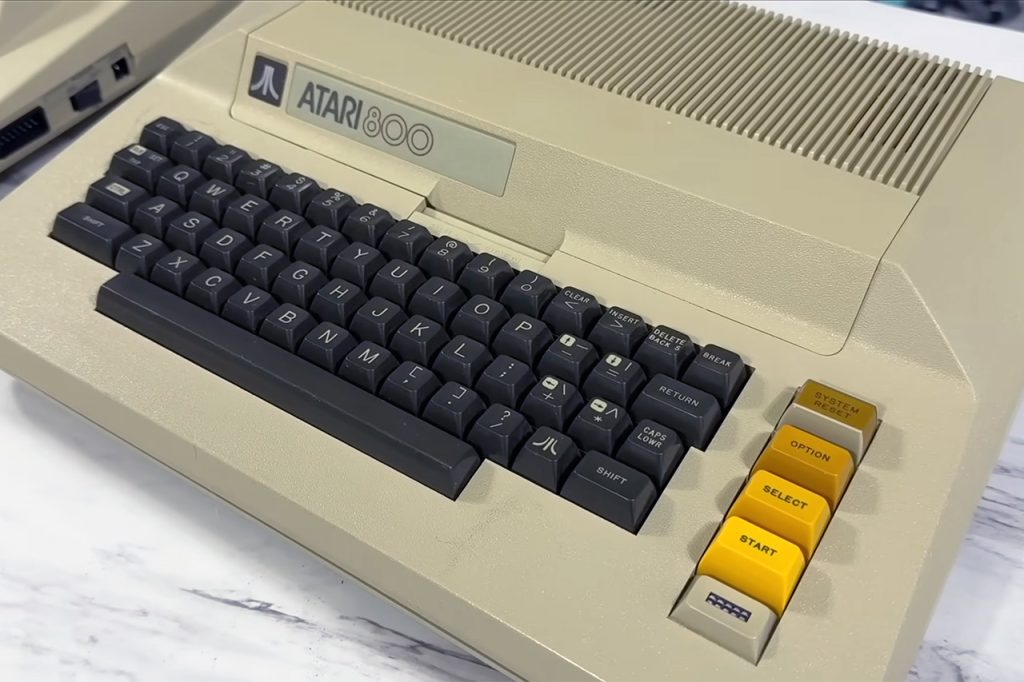

In 1979, the Atari 8-bit computers quietly defied expectations of what a home computer should be. The Atari 400 and 800, in example, featured some truly incredible hardware that enabled arcade-like visuals and sound from a machine that fit in your living room and hooked directly into the television. Even after decades, their design remains a tidy compromise between having enough energy to accomplish the job and being simple.
At its heart is the MOS Technology 6502 processor, which starts at 1.79 MHz for NTSC variants. This is the general-purpose number cruncher that conducts the majority of the day-to-day work, much like in other computers at the time, but what’s noteworthy is that the Atari developers then wrapped a bunch of bespoke chips around it to handle the very heavy lifting for video and sound. This allows the 6502 to focus on the more important tasks: game logic, calculations, and human input. Instead of constantly refreshing the screen or generating sounds, it may focus on the more enjoyable aspects.

My Arcade Atari Gamestation Go: Rechargeable Battery, Over 200+ Preloaded Retro Video Games Including…
- Officially licensed: This officially licensed Atari console features classic games from Atari, including titles originally released on the Atari 2600,…
- 🕹️ 200+ video games built-in, including PAC-MAN, Atari: Recharged and Balls of Steel, Asteroids, Breakout, Centipede, Crystal Castles, Missile…
- 🎯 Also includes licensed games from Jaleco & PIKO Interactive. Game Save options.
First off, you have ANTIC, which is its own mini-processor. It merely reads a display list from RAM, which is simply a brief set of instructions that tells the entire system how to construct each line on the screen. Each one determines the graphics mode to use, how many scan lines to cover, where to retrieve data from memory, and possibly even certain settings such as horizontal or vertical scrolling. ANTIC uses direct memory access to load all of the display data and character sets, eliminating the need for the 6502 to halt whatever it is doing. It then converts all of that into a stream of pixel data, which is transferred to the next chip.
GTIA is the next one in line, as it converts the stream into something you can see. It has a 128-color palette to work with (256 in later GTIA models), priority handling for backdrop objects, and overlays for player-missile graphics. Players were essentially mobile objects, hardware sprites with four broad players (8 pixels across) and four narrow missiles (2 pixels across) that could be combined for more width or a different color. The horizontal position is achieved by simply adjusting some register values, however vertical placement necessitates some data moving in memory. GTIA also detects when any of the players or missiles collide with the playfield and flags it for the program to read.
Display lists are fantastic because they allow you to mix and match text and bitmap modes on a single screen. Change certain color registers or modes halfway through to achieve some really cool effects like horizon gradients and parallax scrolling. As a result, when you want smoother animations or more colours, you can simply use interrupts to pause ANTIC at specified scan lines, allowing the 6502 to modify things exactly when you need it to.
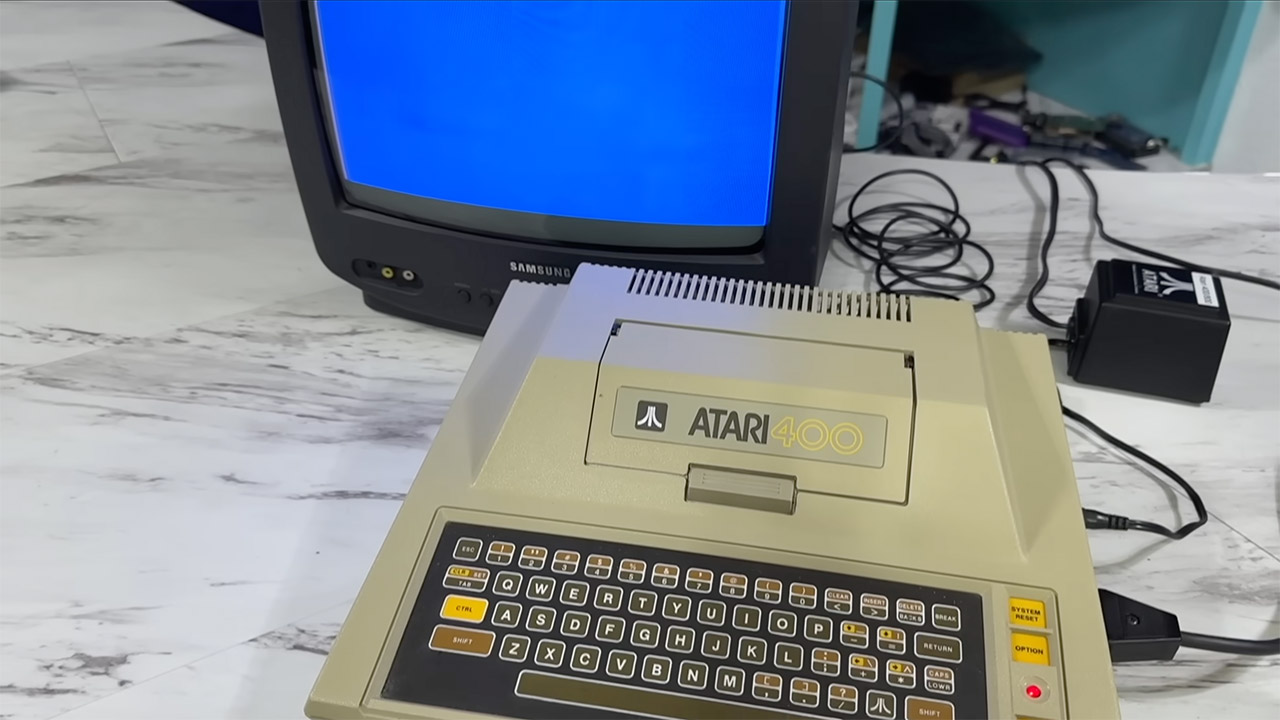
Sound, on the other hand, comes from POKEY, a versatile chip that can provide four independent audio channels. Each one can generate a square wave or noise, with volume, frequency, distortion, and other parameters. You can mix channels to create a deeper sound, or you can use sampled audio that sounds amateurish. POKEY also scans the keyboard, reads paddles and joysticks, manages serial communication with other devices, and generates random numbers.
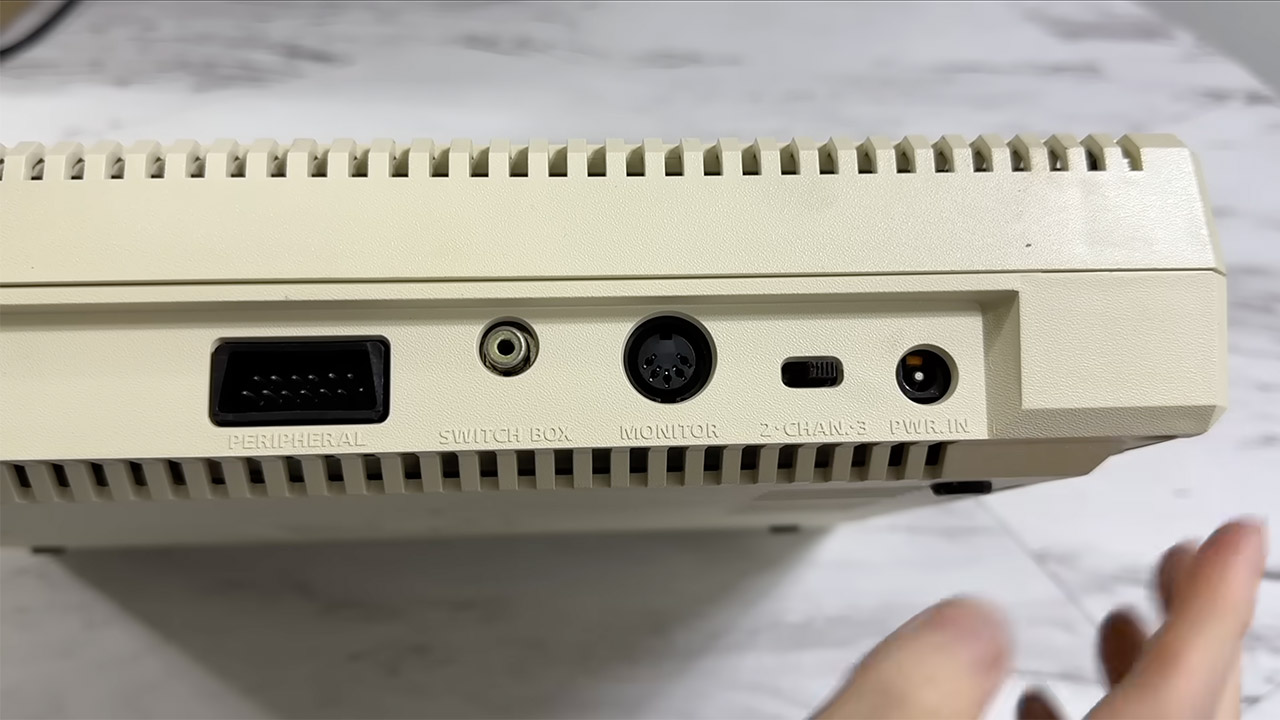
Peripheral devices connect via the SIO serial bus, a traditional daisy-chain technology that served as a forerunner to today’s plug and play concept. Cassette drives are slow to load programs, although the 810 or 1050 floppy drives, which can store up to 90KB or more, provide some performance boost. You may also just insert a cartridge that plugs directly into the machine (1 slot on the 400 and 2 on the 800), giving you quick loading and a little more ROM space to play with.
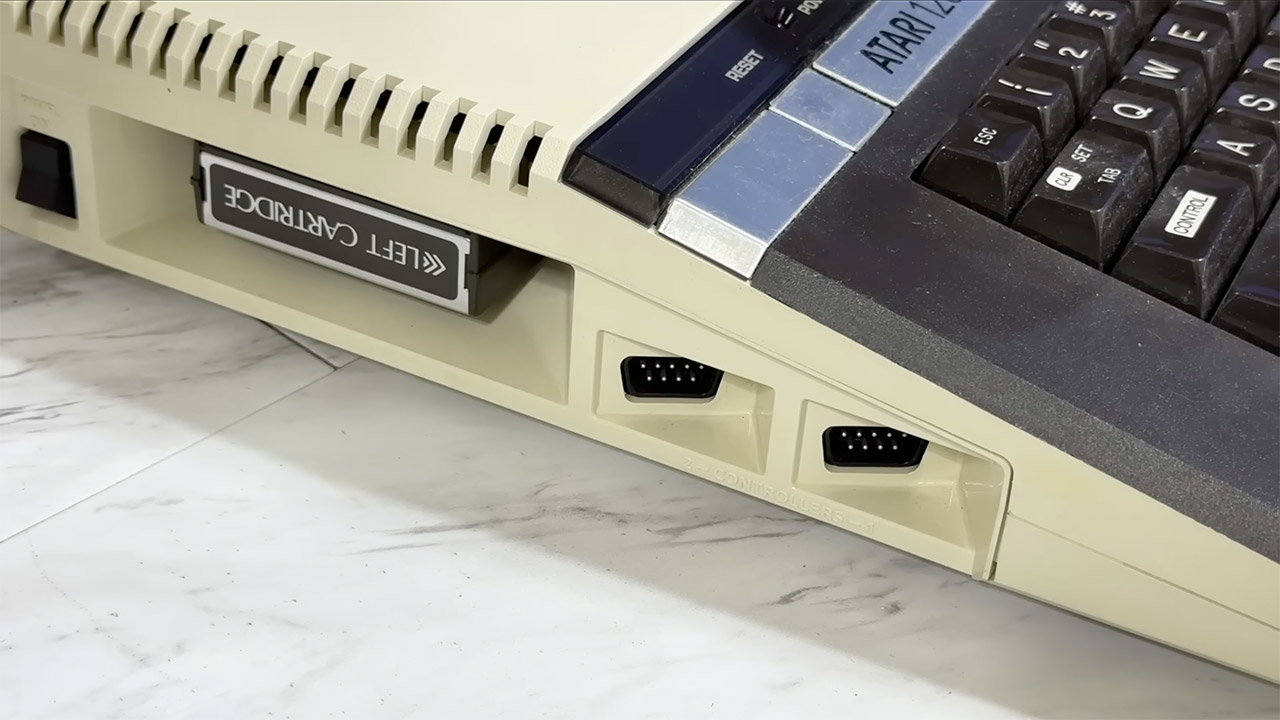
Memory began out very little on the early models, with the 400 just having 8KB, but that was expandable; later on, you could get up to 48KB or 64KB on the more updated models, or if you went with the XL or XE lines, you could get up to 128KB. To be clear, the OS is stored in ROM and can handle all of the basic input/output, as well as boot up to a memo pad if no cartridge or disk is present. You may load BASIC from a cartridge or disk, which keeps the core hardware quite simple.
Later on, the series received a bit of an upgrade without breaking compatibility, such as XL variants like the 800XL, which came with 64KB standard, keyboards that were a significant improvement over previously, and composite video output to boot. XE versions included greater RAM and sleeker casings while maintaining the same fundamental architecture. The good news is that the entire family uses the same hardware and capabilities, thus software written in 1979 will still work on a computer built in 1992
[Source]
This is How Atari’s 8-Bit Computers Helped Change Personal Computing Forever
#Ataris #8Bit #Computers #Helped #Change #Personal #Computing